The safest and easiest way to access your $CKB and assets on the Nervos network
Everything you need to discover and access the Nervos blockchain in your pocket.


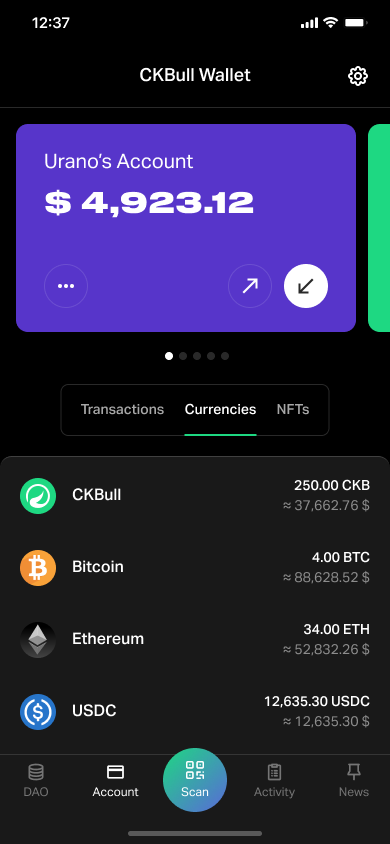
Create, import and access multiple wallets
CKBull allows you to create and access multiple mnemonics at the same time so that you have complete freedom to organize your accounts.

The safest way to access your assets in Nervos.
Quickly access your $CKB, your imported tokens in ForceBridge and your NFT's in the Nervos network in a secure way.

Earn benefits when using CKBull
CKBull has integrated access to the Nervos DAO, where you can deposit and stake your $CKB to earn profits over time.
What is CKBull?
Download Now!
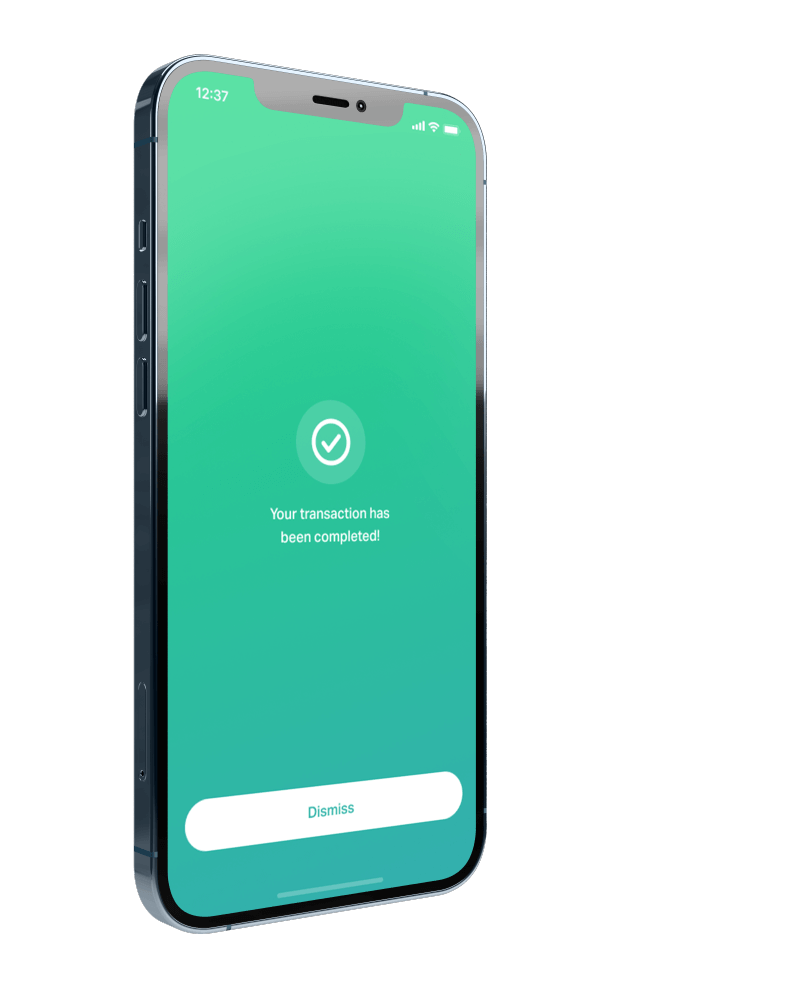
Start building on
Nervos Network
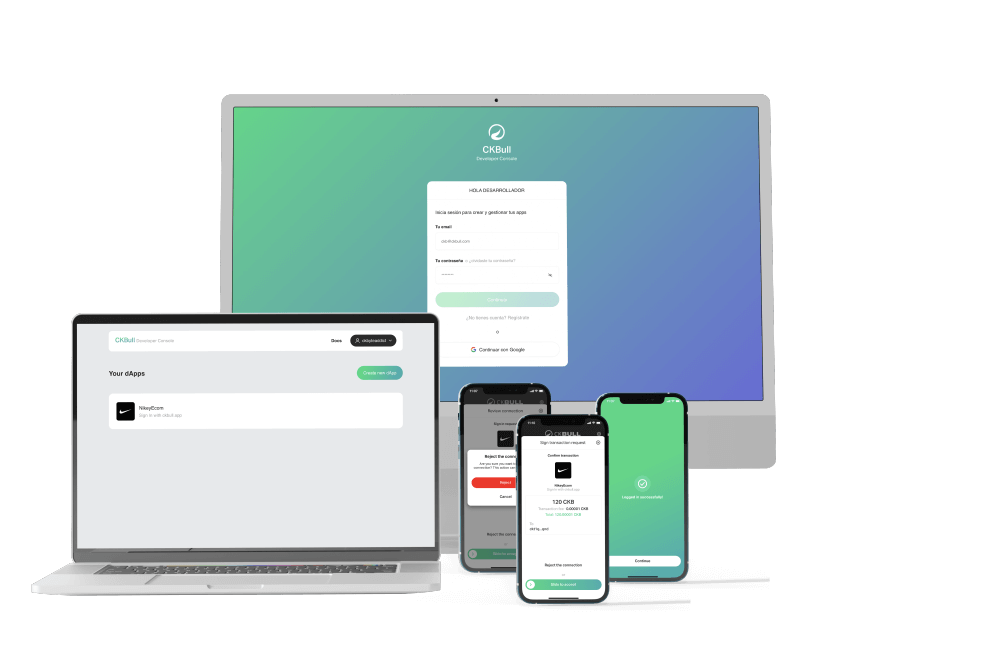
CONTRIBUTE TO CKBULL
CKBull FAQs
Not, yet. We are working on it. On/Off-Ramp with transak.com soon!
Once you lock your deposit, a period of 180 epochs, more or less 30days, will start. Keep track of your locked deposit’s remaining epochs. You want to delay the first withdrawal transaction, as it will halt rewards. Once first withdraw is done, you will have to wait for the cycle to end to then execute the Final Withdrawal transaction, unlocking your deposits + rewards.
https://forcebridge.com/ and the send tokens back to CKBull. Soon with our signer app you will be able to connect CKBull to forcebridge so you can sign from CKBull using mobile device.
On Account Page start a Withdraw. Select the account from where you please to send from and the receiving CKB address. Then tap Next. Choose what asset to send, CKB, Tokens or NFTs from Nervos CKB L1. Review transaction data, and sign!
To withdraw from the app you have to at least leave 61 $CKB for the cell allowing you to receive to that same address once again. We don’t support yet two input cells vs 1 output.

© CKBull 2023 All Rights reserved.
Developed by:

 in Barcelona